
Everything a social media team needs, in one place
Create and schedule, approve, answer, measure and report, for one brand or many, with AI where it saves time.
- Threads
- TikTok
- YouTube

Create one post, tailored for every network
Write once, tailor the text per network and put it on the calendar. KariSMMa publishes it on time.
Explore Create and schedule
@littleembercoffee Pumpkin spice is back, and this year the syrup is made in house with roasted pumpkin. Oat milk is free with every drink this month. #LittleEmberCoffee #NeighbourhoodCoffee
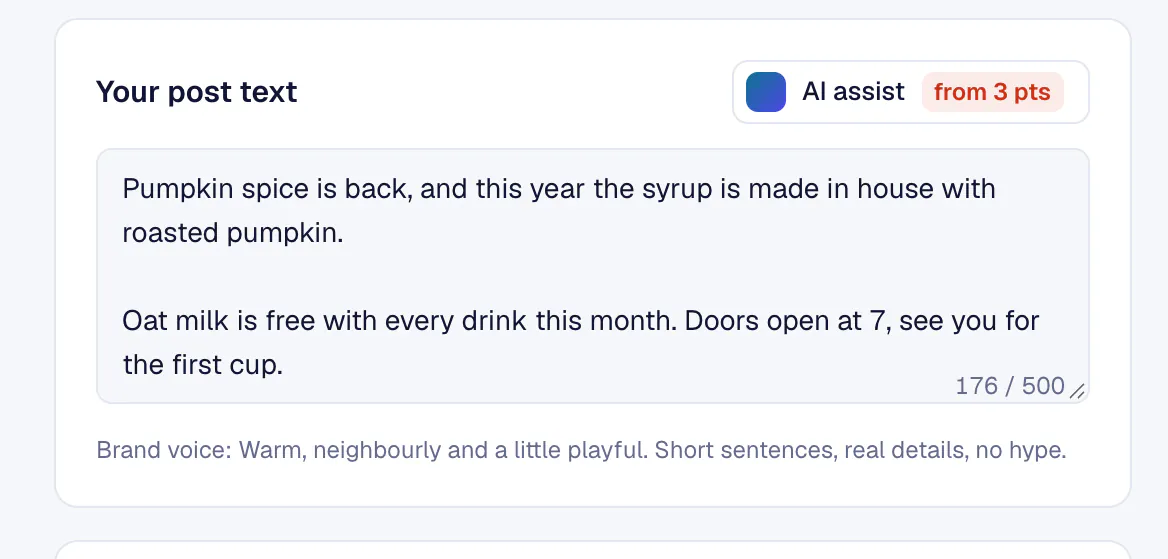
Pumpkin spice is back! This year our syrup is made in house with roasted pumpkin, and oat milk is free with every drink all month. Doors open at 7, see you for the first cup.
@littleembercoffee
The pumpkin syrup is made in house this year. Oat milk is on us all month. #pumpkinspice #coffeetok
Photo post
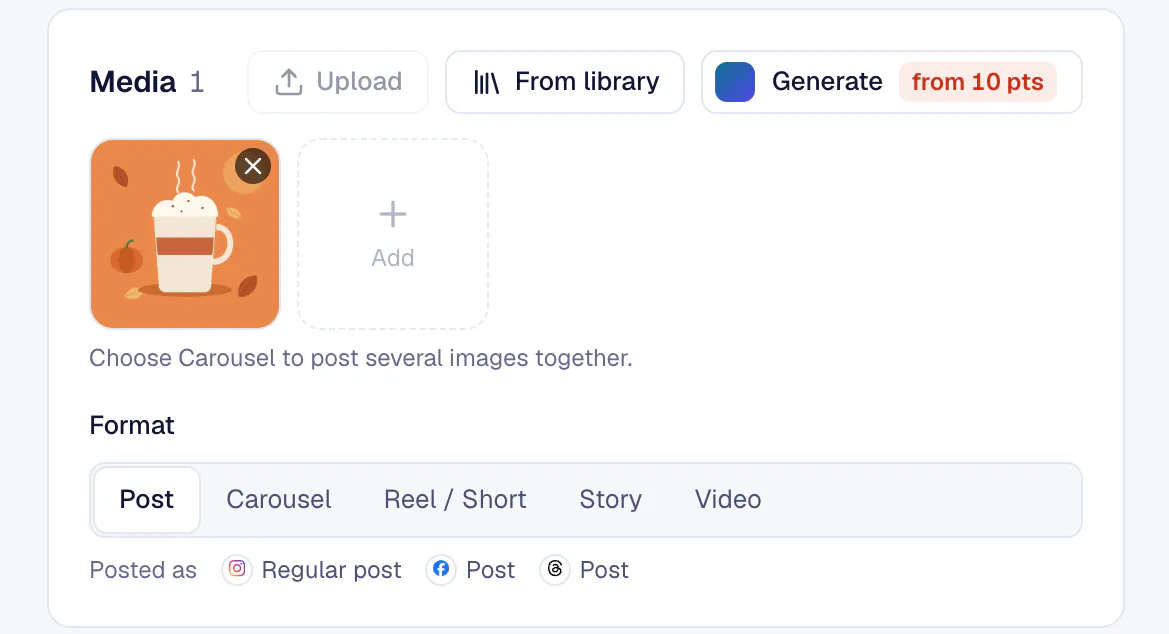
One post, every network
Each network keeps its own version and preview, so a short Threads post and a longer Facebook post come from the same idea.
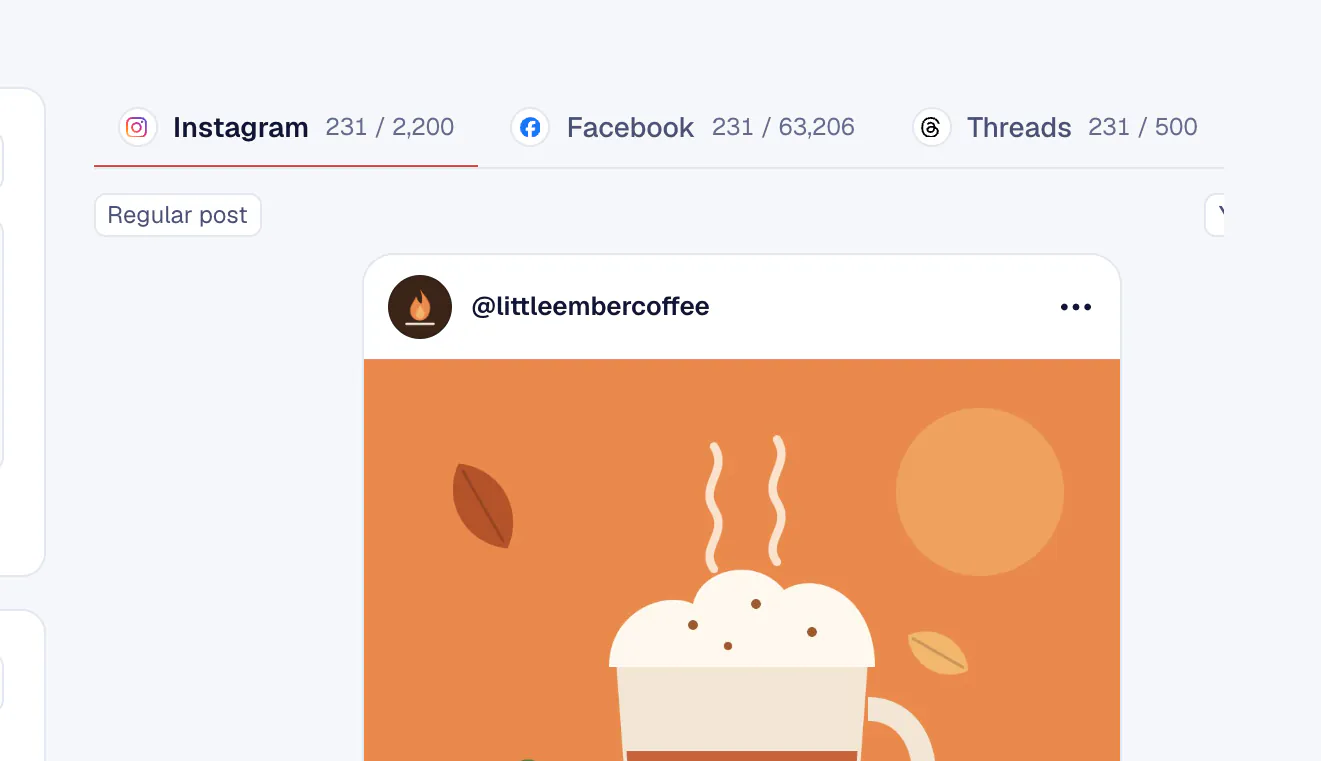
Tailor per network
One click rewrites the text for each network's length, line breaks and hashtags, in the brand's voice. Every version stays editable.
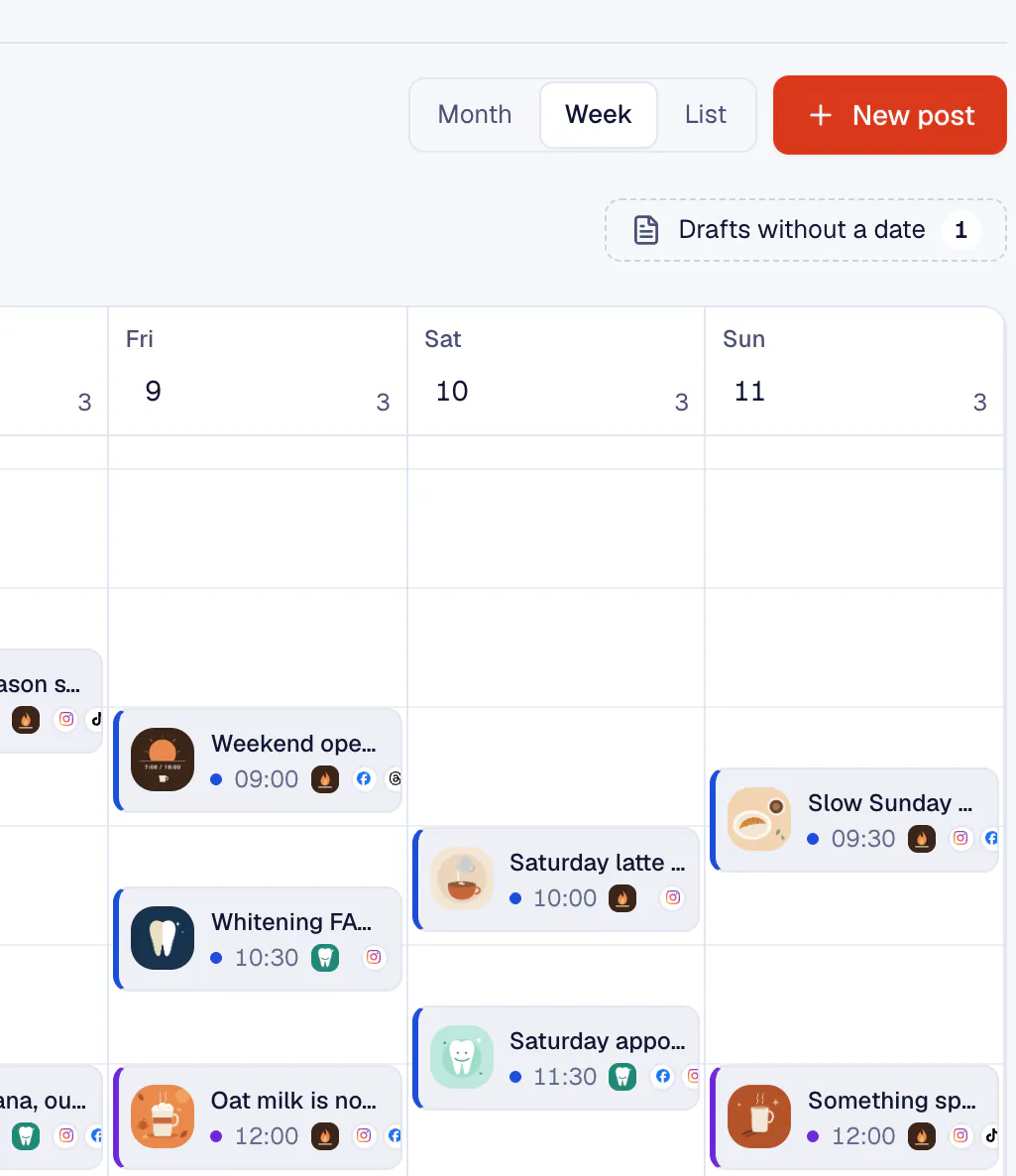
A calendar you can move
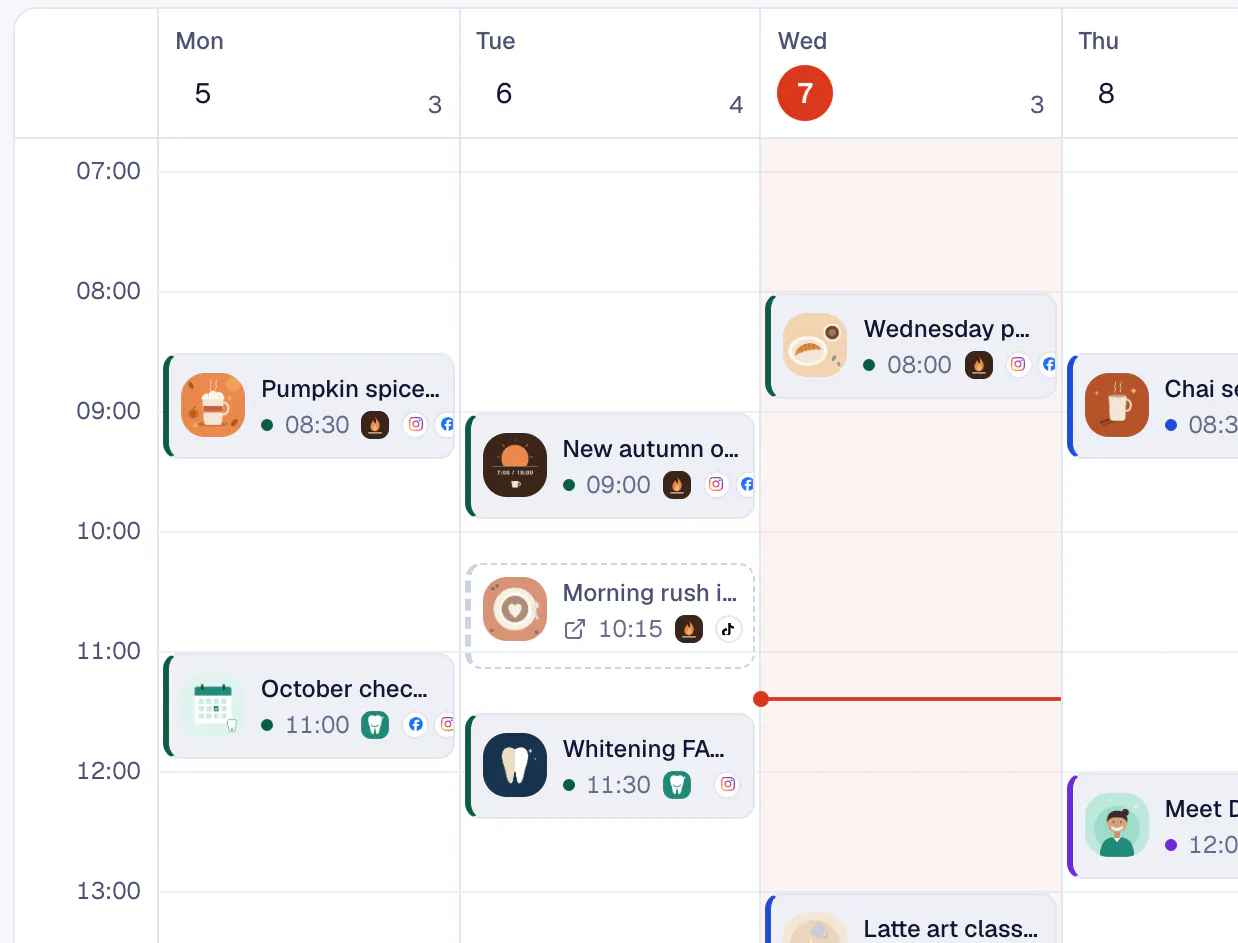
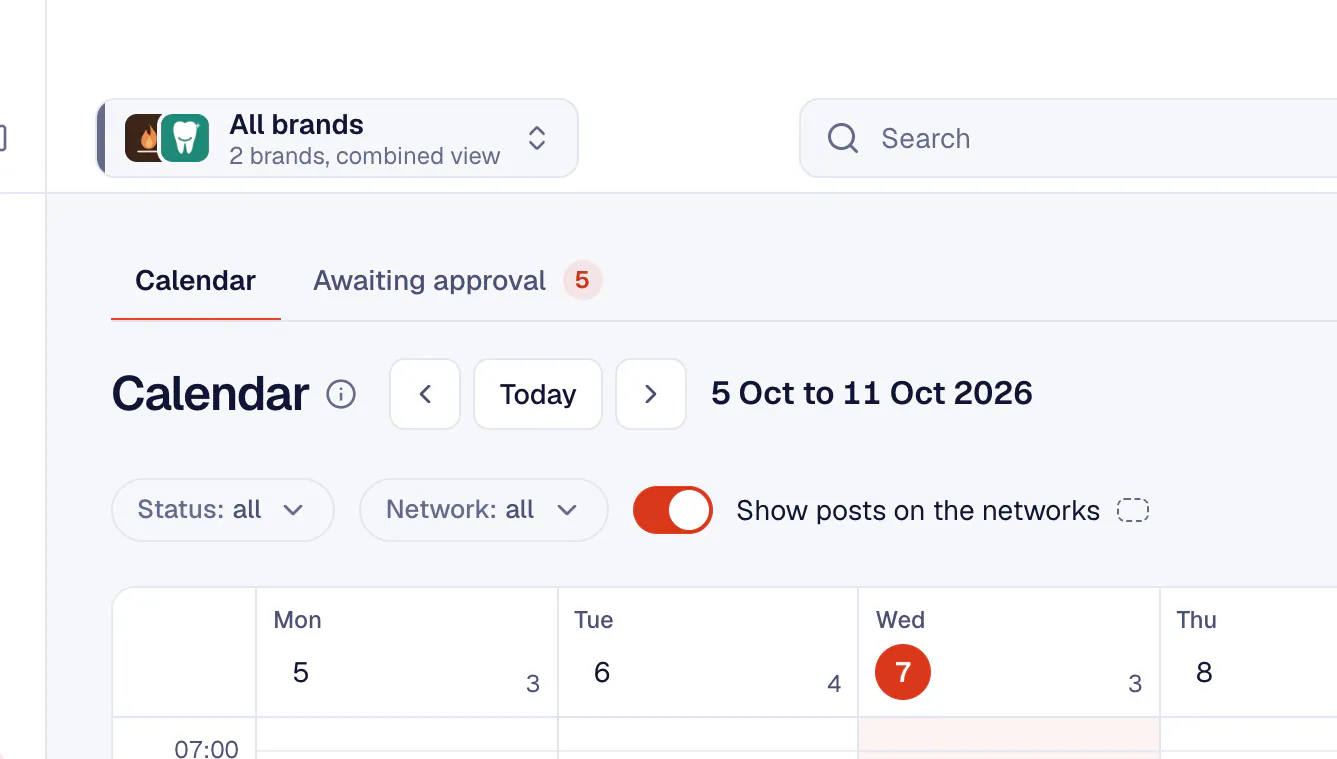
Month, week and list views. Drag a post to another day to reschedule it.
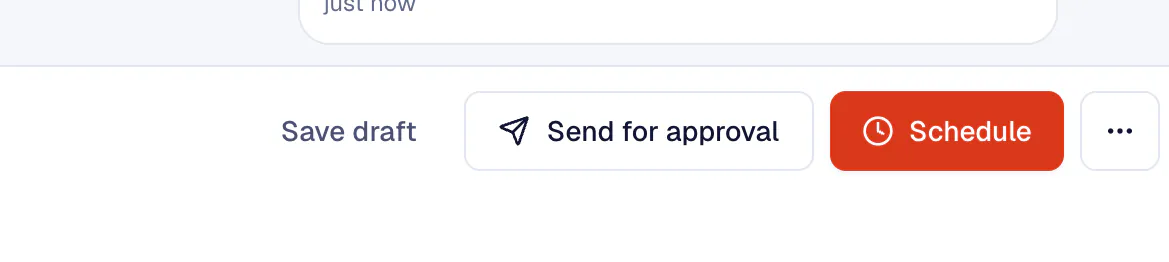
Published on time
Facebook posts set 30 minutes to 28 days ahead go to Facebook's own scheduler and show in Meta Business Suite. KariSMMa publishes everything else on time.


An AI assistant that knows each brand
KariSMMa's AI writes from the brand kit: its tone, audience, hashtags and the words it never uses. You edit everything it makes.
Explore AI assistant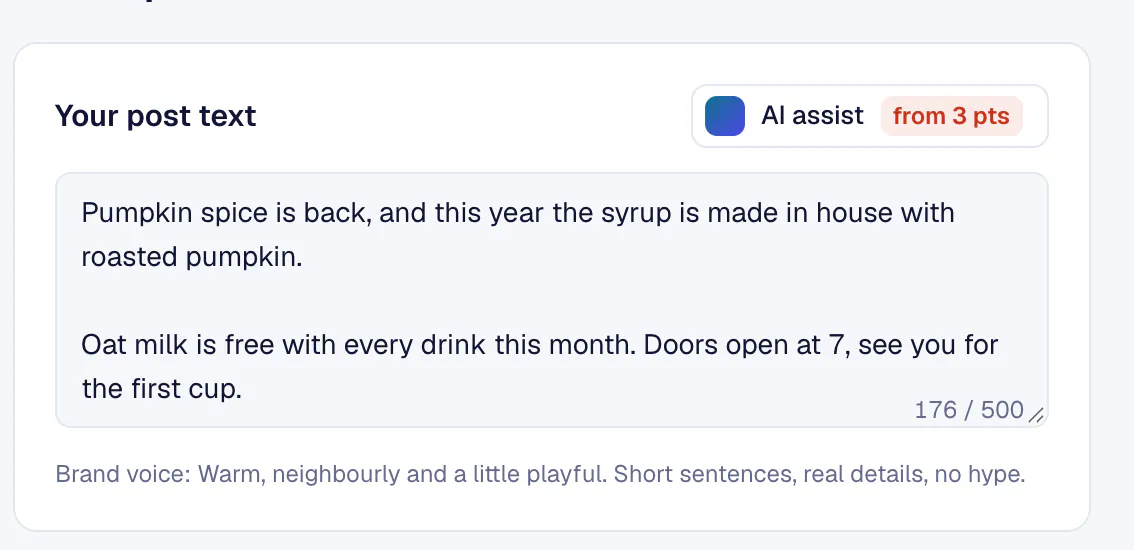
Words
Draft a whole post from a few words, write a caption set for every selected network, suggest hashtags and get a batch of content ideas for the brand.
Images, video and sound
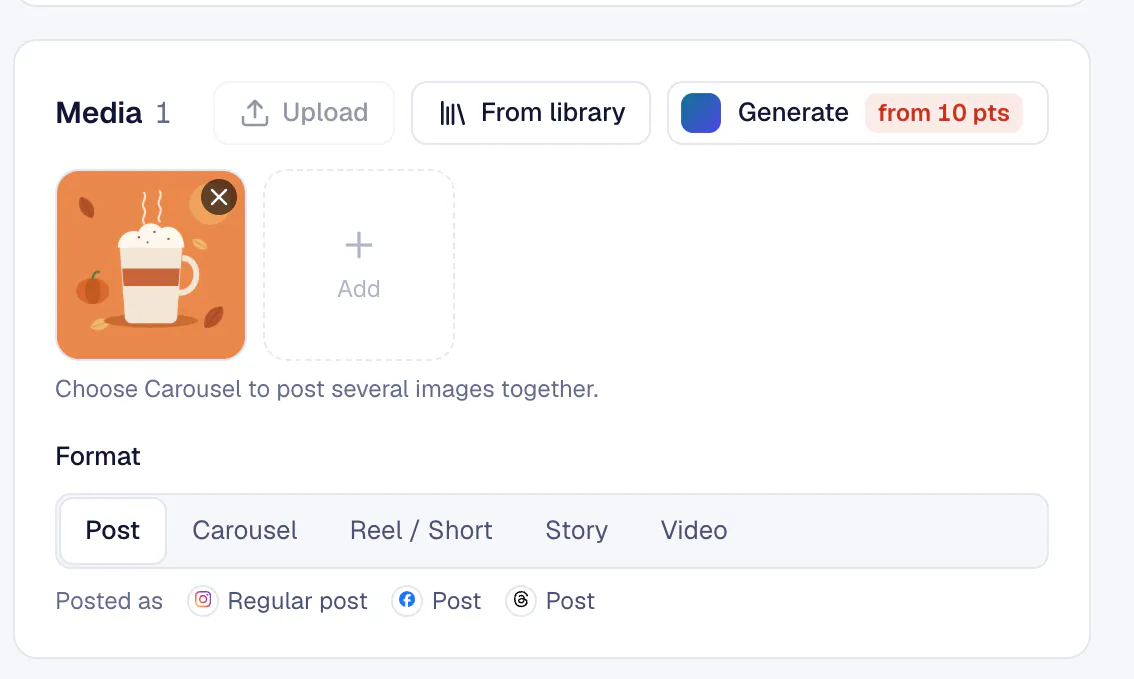
Make an image for the post, turn a picture or a line of text into a short video clip, add a voiceover and upscale a picture before it goes out.
Brand kits it reads for you
Add a website and KariSMMa reads its logo, colours and language, then works out the voice, design style, audience and hashtags. No website? It reads the brand's social profiles and recent captions instead.
- Claude
- OpenAI
- Gemini
- Higgsfield
- Magnific
- Runway
- ElevenLabs
Points or your own keys
AI actions on KariSMMa's keys cost 1 to 150 points. On your own keys they cost none.





Client approvals without the email chains
Clients decide in the portal or through a link that needs no account, and you see every decision as it happens.
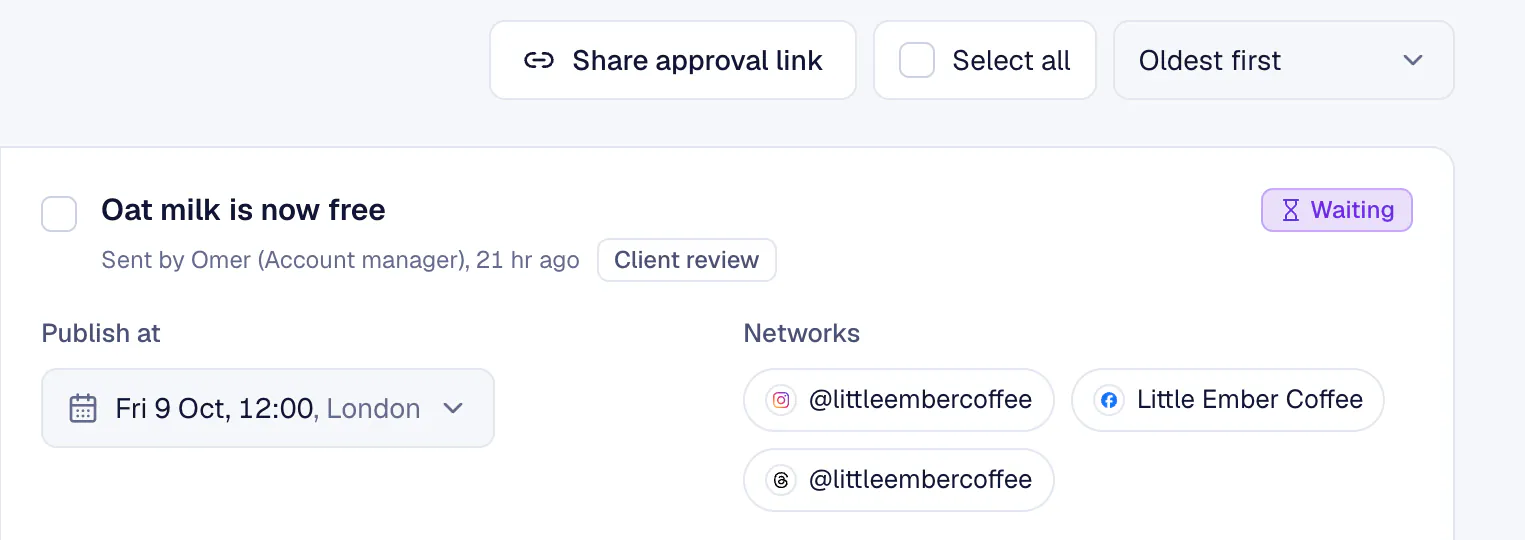
Explore Approvals and clientsOat milk is now free
Sent by Omer, 21 hr ago
Lucia (Little Ember)
Love it. Can we say "from Monday" instead of "now"?
Scheduled for Fri 9 Oct, 12:00
Awaiting approval
Every post waiting for a decision, in one tab. Asking for changes means saying what should change, so nothing is lost in a vague reply.
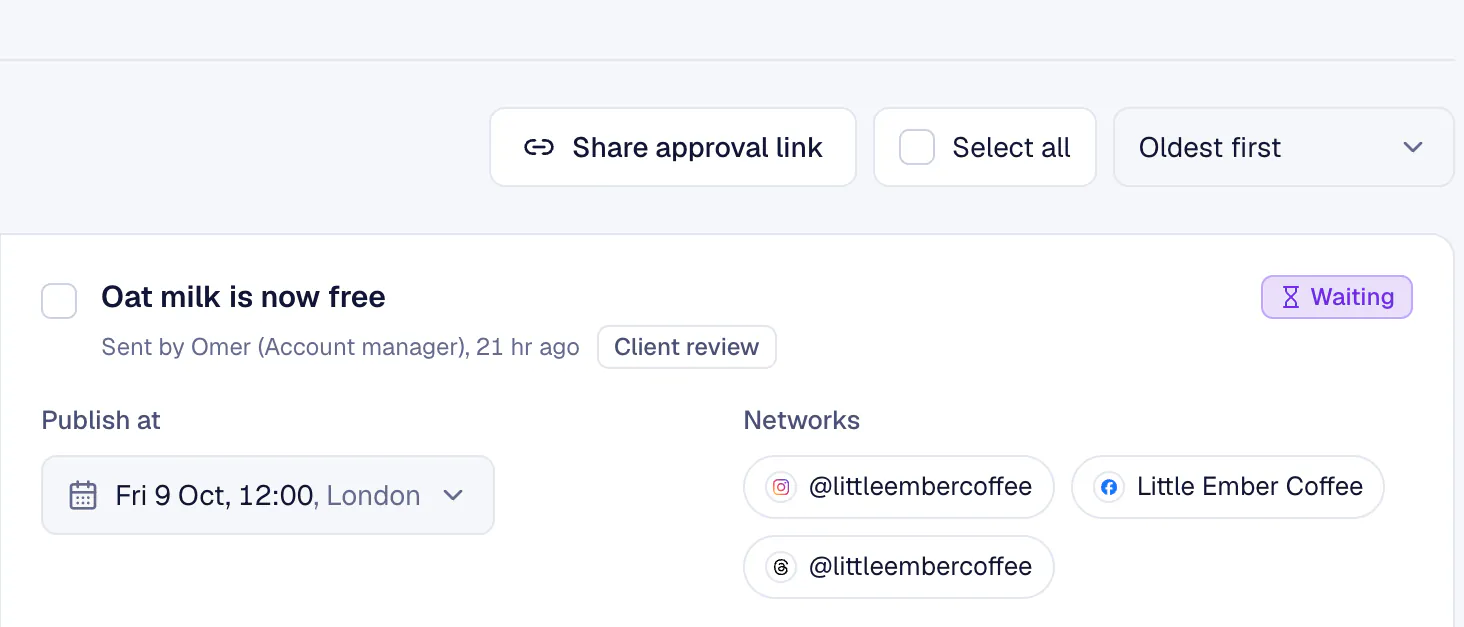
Share links that need no sign-in
A link for everything waiting, one week or one post. The client adds a name and email once, then decides post by post.
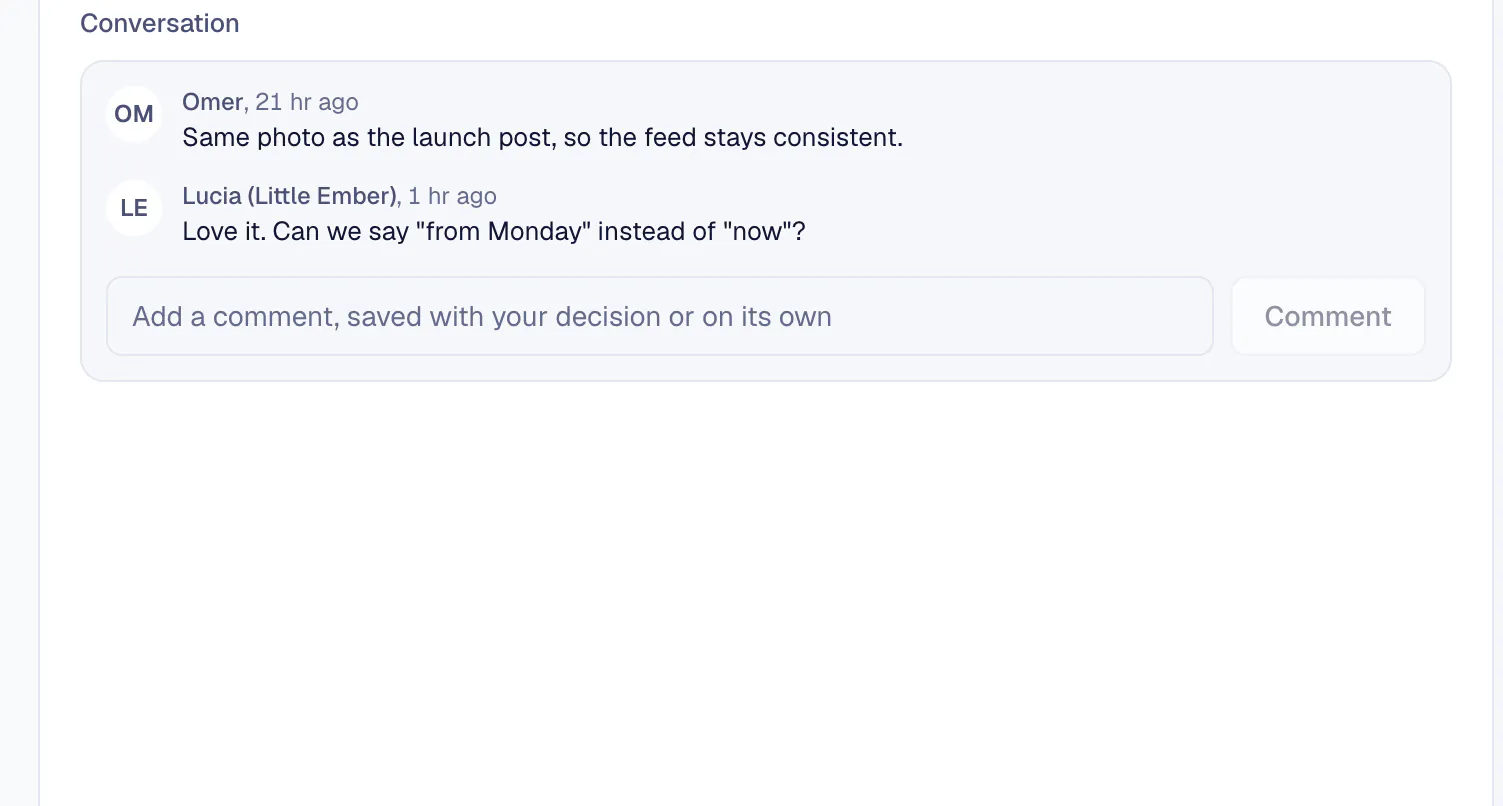
A seat for the client
A Client approver sees only their brands: Awaiting approval, the calendar, reports and notifications.
Activity log
Sample data- Lucia approved "Oat milk is now free"10:42
- Omer sent 3 posts for approval09:15
- Autopilot scheduled "Slow Sunday"08:00
A record of every decision
Every approval, change request and link is logged with who and when. Team comments with @mentions stay on the post.


Every comment and DM, in one inbox
Facebook and Instagram comments, Messenger and Instagram DMs, one inbox per brand. Rules handle the routine.
Explore Inbox and engagementEvery message gets a label
maya.readsLead
Can I book two seats for the latte art class?
Private message
jonah.bakesQuestion
Is the class OK for total beginners?
Comment on Instagram
page.policy.supportScam
Your Page will be disabled for violating community...
Private message
Hannah K.Complaint
Waited 15 minutes for a cortado on Saturday.
Comment on Facebook
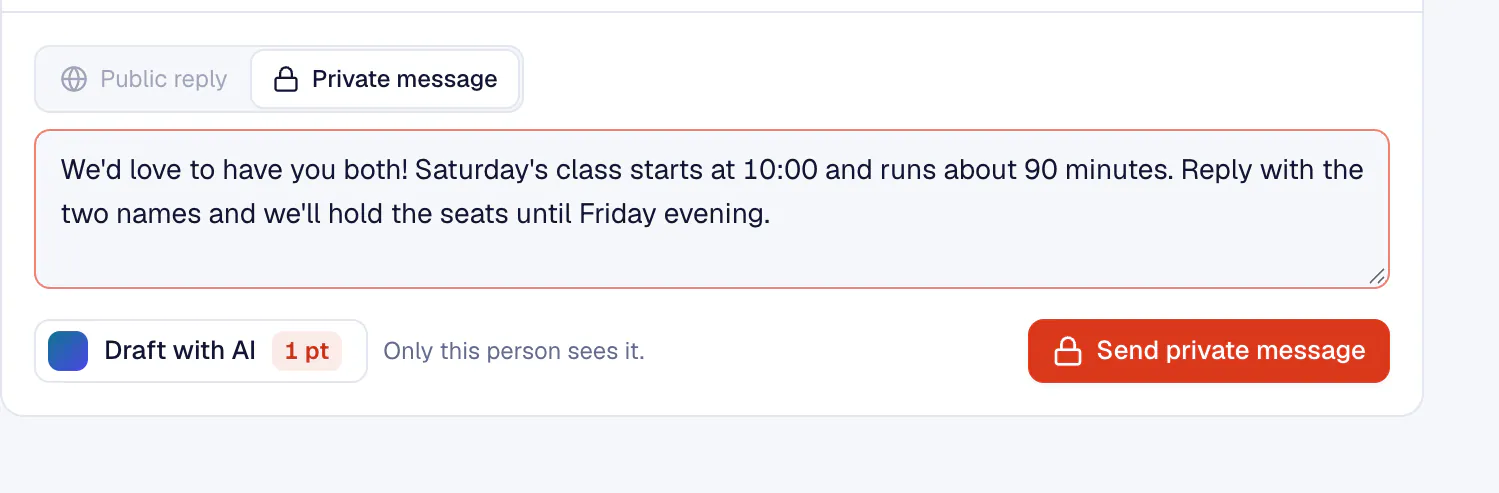
Reply from one place
Replies go out through Facebook or Instagram as normal replies. DMs follow Meta's 24 hour reply window.
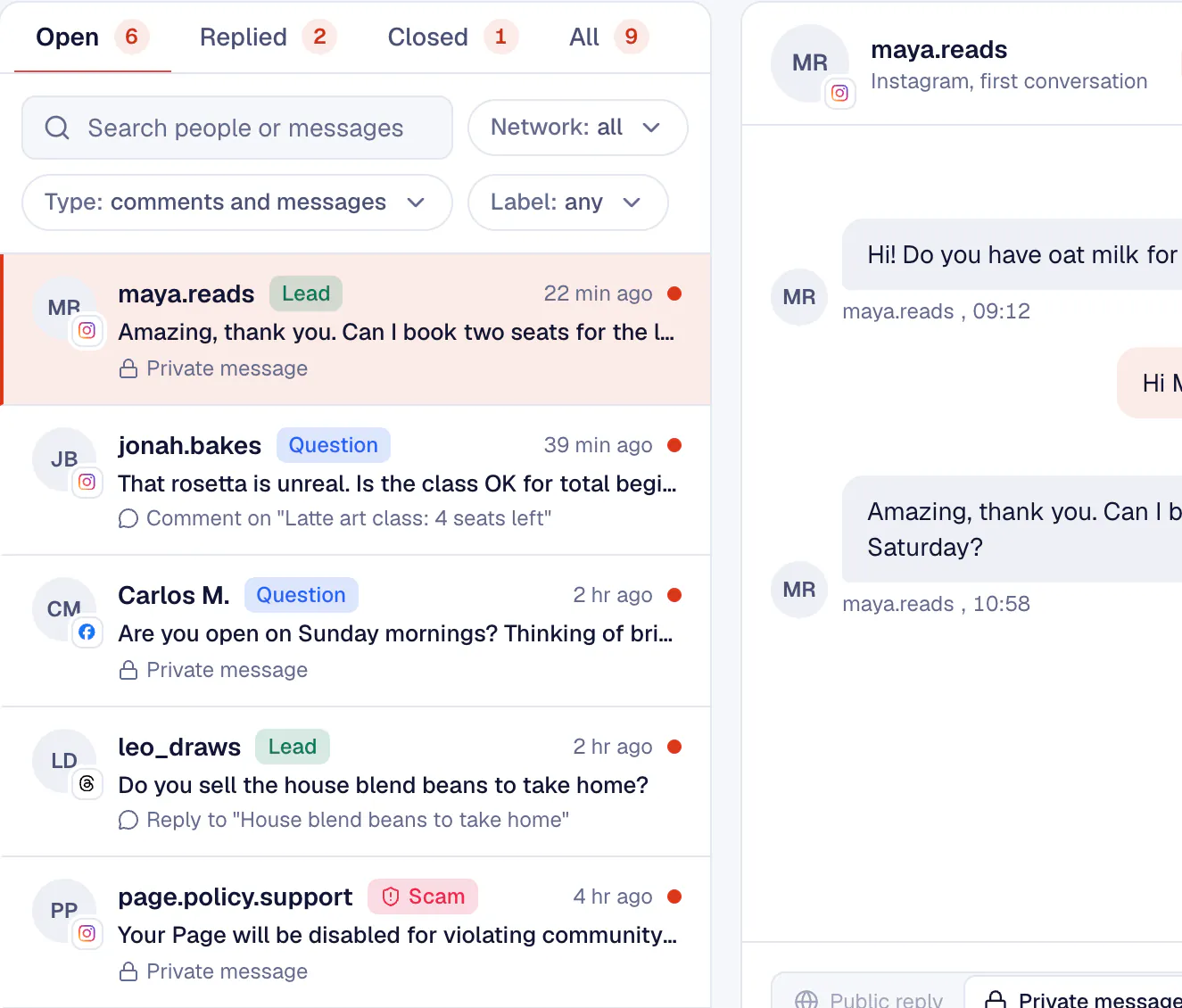
Labels, spam and scam flags
Question, Lead, Complaint, Support and Praise. Spam is flagged, and so are scams posing as Meta's policy team, before anyone clicks their link.
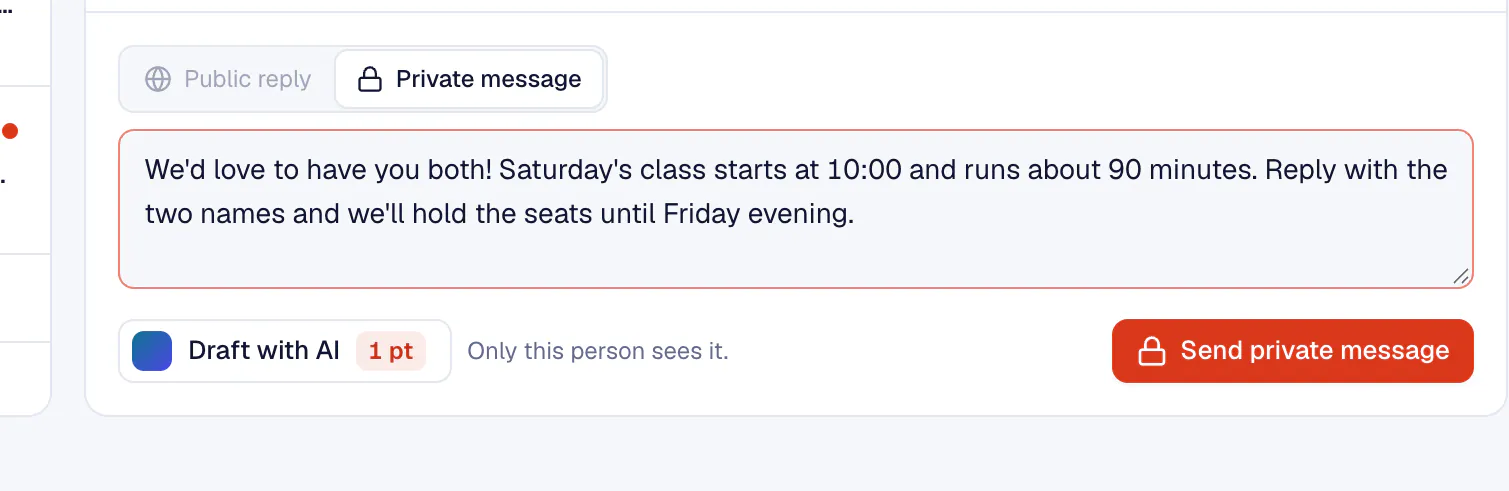
AI reply drafts
An answer in the brand's voice for 1 point. It never sends by itself.
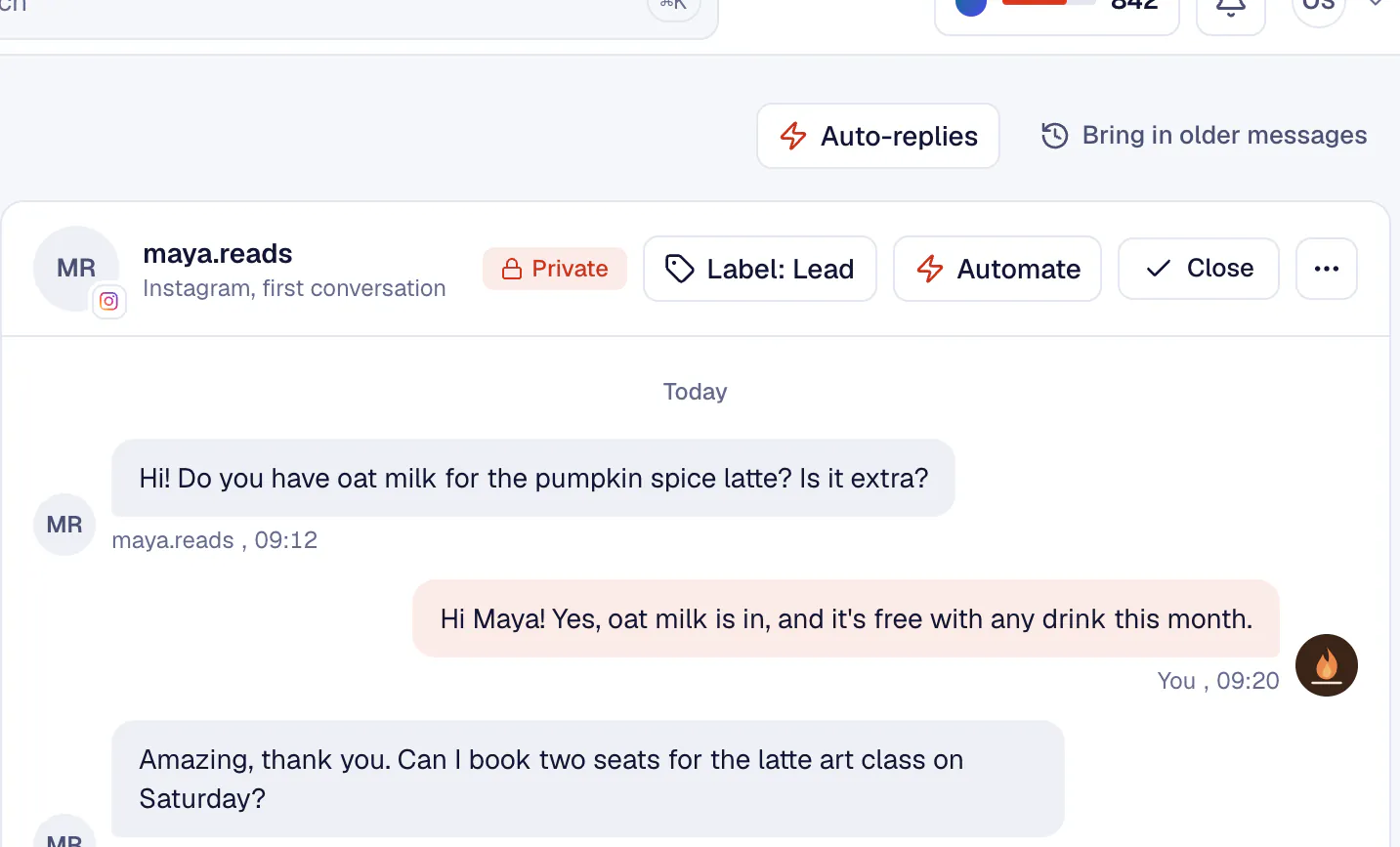
Automations
Reply in private or in public, send a DM, hide, like, label or notify the team. A rule never answers the same person twice in 12 hours.


Insights you can show a client
Find the posts that worked and turn the month into a report the client understands.
Explore Insights and reports- People reached
- 35.7K
- Reactions
- 4.3K
- Reaction rate
- 6.7%
- Posts published
- 27
Prepared with KariSMMa
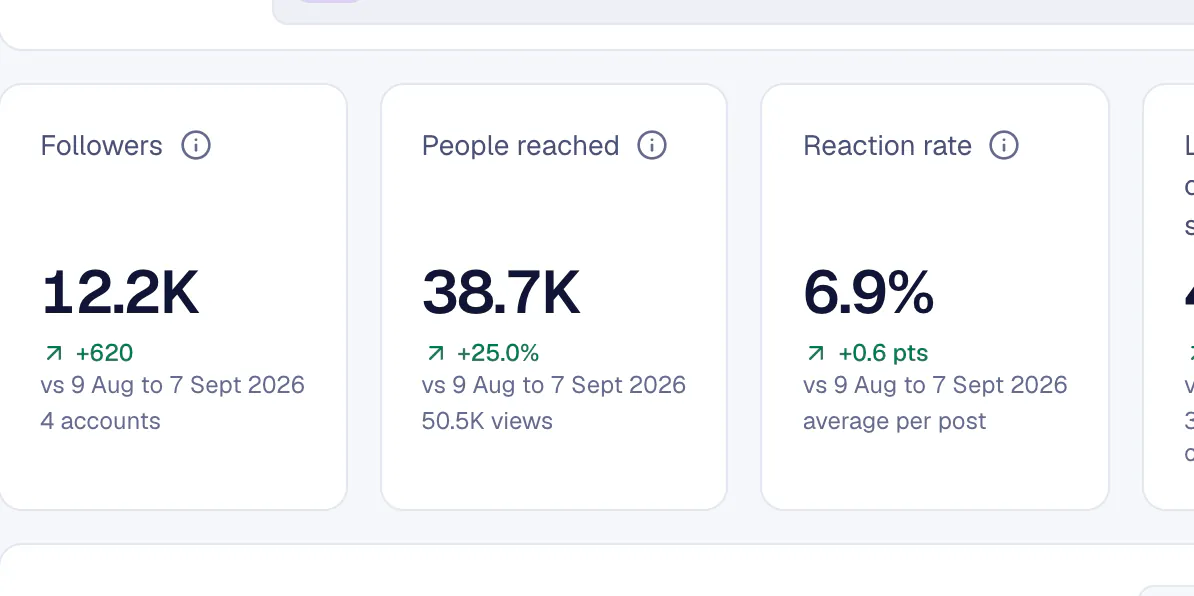
Analytics, Posts and Accounts
People reached, reactions, reaction rate and the best day to post, with every post's and every account's results. Every table exports to CSV.
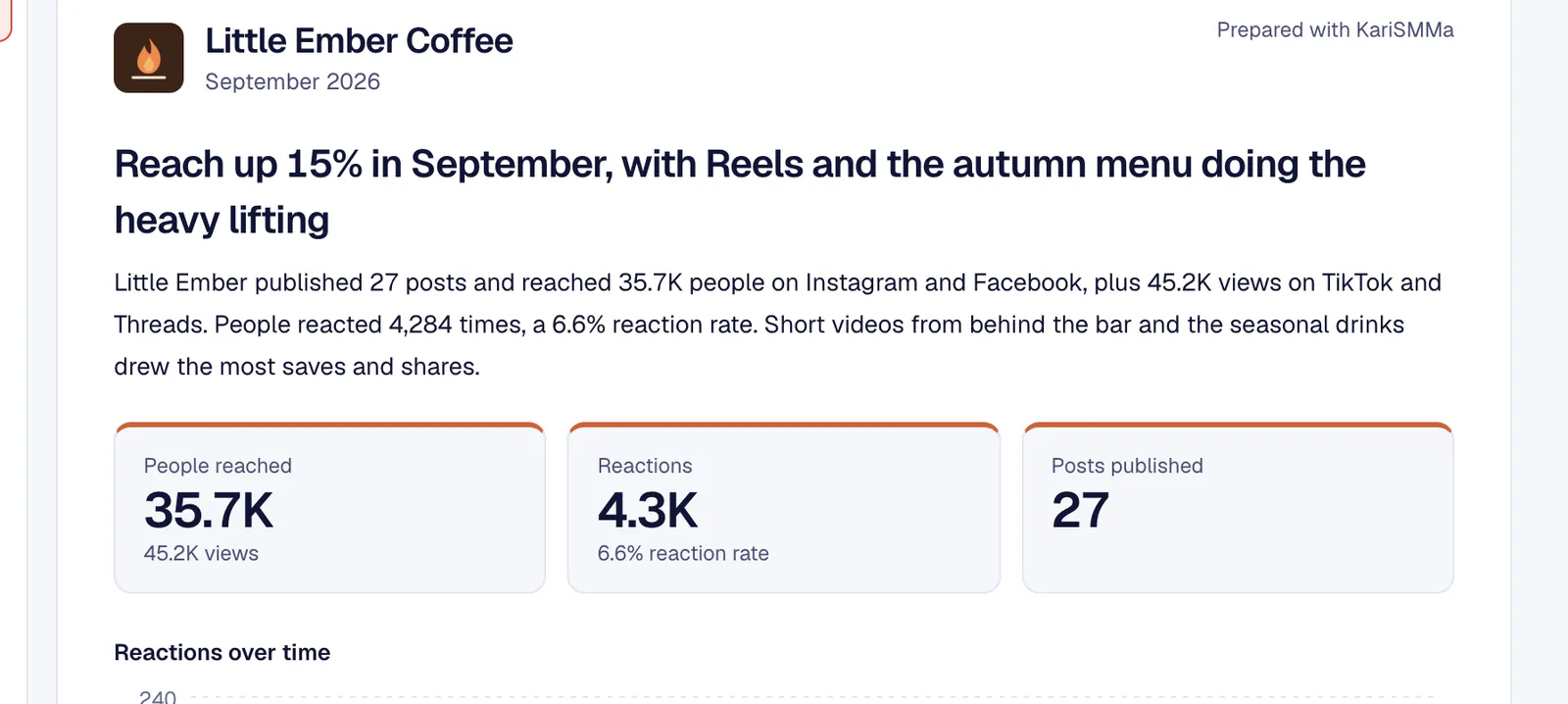
Branded client reports
The month in plain words, with the brand's logo and colour on top. Client approvers open it in the portal.
Competitors
Sample data- @harbourroasters18.4K5 a week
- @thecornercup9.1K3 a week
Competitors
The competitor accounts you watch, with the followers, posting pace and engagement you record, next to the brand's live numbers.
Mention found
Sample datasam.on.a.bike
Best flat white in town, thank you #LittleEmberCoffee
Listening
Mentions of the brand's name or hashtags in comments on its Facebook and Instagram posts.


Let the AI plan and write the week
Autopilot turns a brief into a week of posts with designs in the brand's style. You decide whether they wait for your approval or go straight onto the calendar.
Explore AutopilotAutopilot fills the week
- MonPumpkin spice is back08:30Awaiting approvalScheduled
- TueLatte art class13:00Awaiting approvalScheduled
- WedBehind the bar15:30Awaiting approvalScheduled
- ThuChai season starts08:30Awaiting approvalScheduled
- FriOat milk is now free12:00Awaiting approvalScheduled
- SatSaturday latte art10:00Awaiting approvalScheduled
- SunSlow Sunday09:30Awaiting approvalScheduled

Semi-auto: you approve
The week's posts wait in Awaiting approval. Only approved posts are scheduled.
Full-auto: it publishes
The week's posts go straight onto the calendar and publish on their own. Change or remove any of them before their time.
Brand kit
Colours
Warm, hand-drawn
Designs from the brand kit
Each post gets a design in the brand kit's colours, logo and style, on Facebook, Instagram, Threads and YouTube Shorts.
Content plan
Sample data- MonAutumn menu launch
- WedMeet the barista
- FriWeekend latte art class
Content plan
For a campaign or a month ahead: a brief becomes a calendar of post ideas with text, scheduled in one go.


The right access for everyone on the team
Three roles cover an agency or a business: the owner runs the workspace, Managers do the work and Client approvers see only their brands.
Explore Team and rolesWho can do what
Runs the workspace: brands, plan and billing, AI keys, roles and invites.
- Create posts and answer the inboxYes
- Approve or ask for changesYes
- See the calendar and reportsYes
- Invite Client approversYes
- Plan, billing, AI keys and rolesYes
Does the day-to-day work for every brand, without billing or AI keys.
- Create posts and answer the inboxYes
- Approve or ask for changesYes
- See the calendar and reportsYes
- Invite Client approversYes
- Plan, billing, AI keys and rolesNo
Sees only their brands, and approves, asks for changes and comments.
- Create posts and answer the inboxNo
- Approve or ask for changesYes
- See the calendar and reportsTheir brands
- Invite Client approversNo
- Plan, billing, AI keys and rolesNo
Owner
- Plan and billing
- AI keys
- Roles and invites
- Every brand
Owner
Everything: brands, the plan and billing, AI keys, roles and invites. The owner can delete brands and revoke any approval link.
Manager
The day-to-day work for every brand: posts, calendar, inbox, insights and reports. Managers invite Client approvers but do not change roles, billing or AI keys.
Client approver
Sees only the brands they are given: Awaiting approval, the calendar, reports and notifications. They approve, ask for changes and comment.
Activity log
Sample data- Lucia approved "Oat milk is now free"10:42
- Omer sent 3 posts for approval09:15
- Autopilot scheduled "Slow Sunday"08:00
Activity log
Approvals, publishing, deletions, connections, rule changes, roles and invites, with who and when. Kept for two years, exportable to CSV.

What changes with one workspace
Without KariSMMa
- A scheduler, a spreadsheet for approvals and a folder of screenshots for reports
- Logging in and out of every client's accounts
- Rewriting the same caption by hand for every network
- Approvals chased by email and lost in threads
- Comments and DMs spread across apps
- A day spent building the monthly report
With KariSMMa
- One workspace per brand: calendar, approvals, inbox and reports
- Switch brands in one click, each with its own accounts
- Tailor per network rewrites one post for each network
- One link per week or post, and every decision logged
- One inbox per brand with labels, scam flags and AI drafts
- AI writes the branded report, ready as a PDF
And the rest of the toolkit
Media library
Every brand's images and videos in folders, ready to drop into a post.
Listening
Mentions of the brand's name or hashtags in comments on its Facebook and Instagram posts.
Competitors
Competitor accounts and their numbers, next to the brand's own results.
Automations
Rules that answer, hide, like or label new comments and DMs on Facebook and Instagram, with limits so nobody is spammed.
Brands and brand kits
Logo, colours, voice, audience, hashtags, banned words and language per brand, read from the website or social profiles.
Notifications
Messages waiting, posts to approve, failed posts and accounts to reconnect.
Works in Claude, ChatGPT and other AI apps
Plan the week, review approvals, answer comments and write reports from Claude, ChatGPT, Claude Code, Cursor or VS Code.
